Gestion des ressources
Les modèles de changements permettent de gérer des modifications en masse dans votre base de données, particulièrement pour deux types de ressources :
- Les personnes,
- Les services.
Modèles de changements
Un modèle de changement permet de définir les paramètres d'application d'un changement d'organigramme, ainsi que les mises à jour à lancer sur les ressources concernées ; à l’instar d’un "mode d'emploi" qui indique comment effectuer la substitution d'une personne ou d'un service par un(e) autre dans toute votre organisation.
L'accès à la gestion se fait via la section Organisation > Modèles Changements.
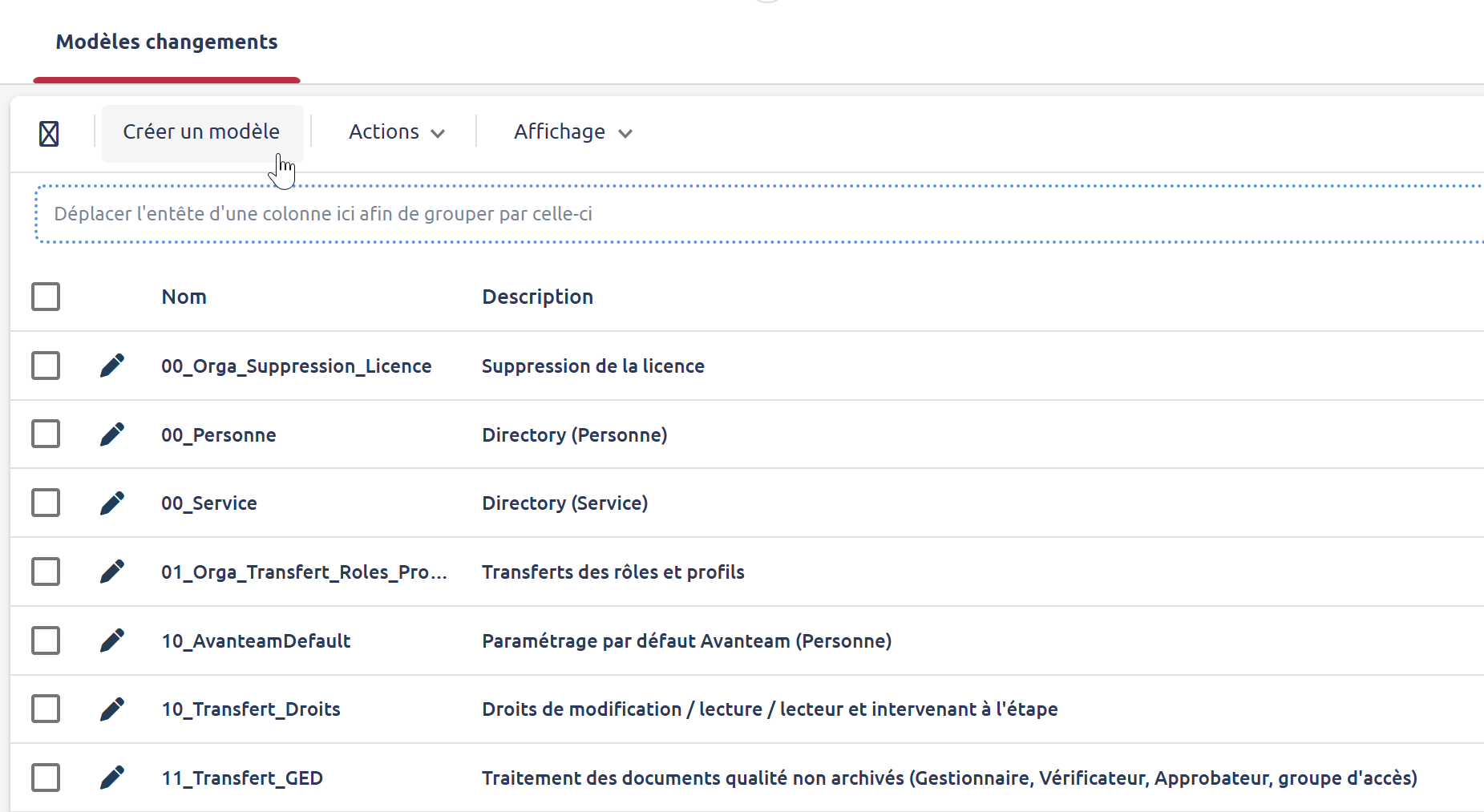
Lors de la création d'un modèle, vous devez compléter :
- Nom du modèle : sans espace, ni caractère accentué (uniquement [a-zA-Z_0123456789]). Important : pour la base Organisation, le nom doit commencer par "Directory_",
- Description : le nom lisible du modèle,
- Base de données : liste des applications sur lesquelles s'applique ce modèle,
- Requête de sélection : filtre de sélection SQL des ids de documents à mettre à jour.
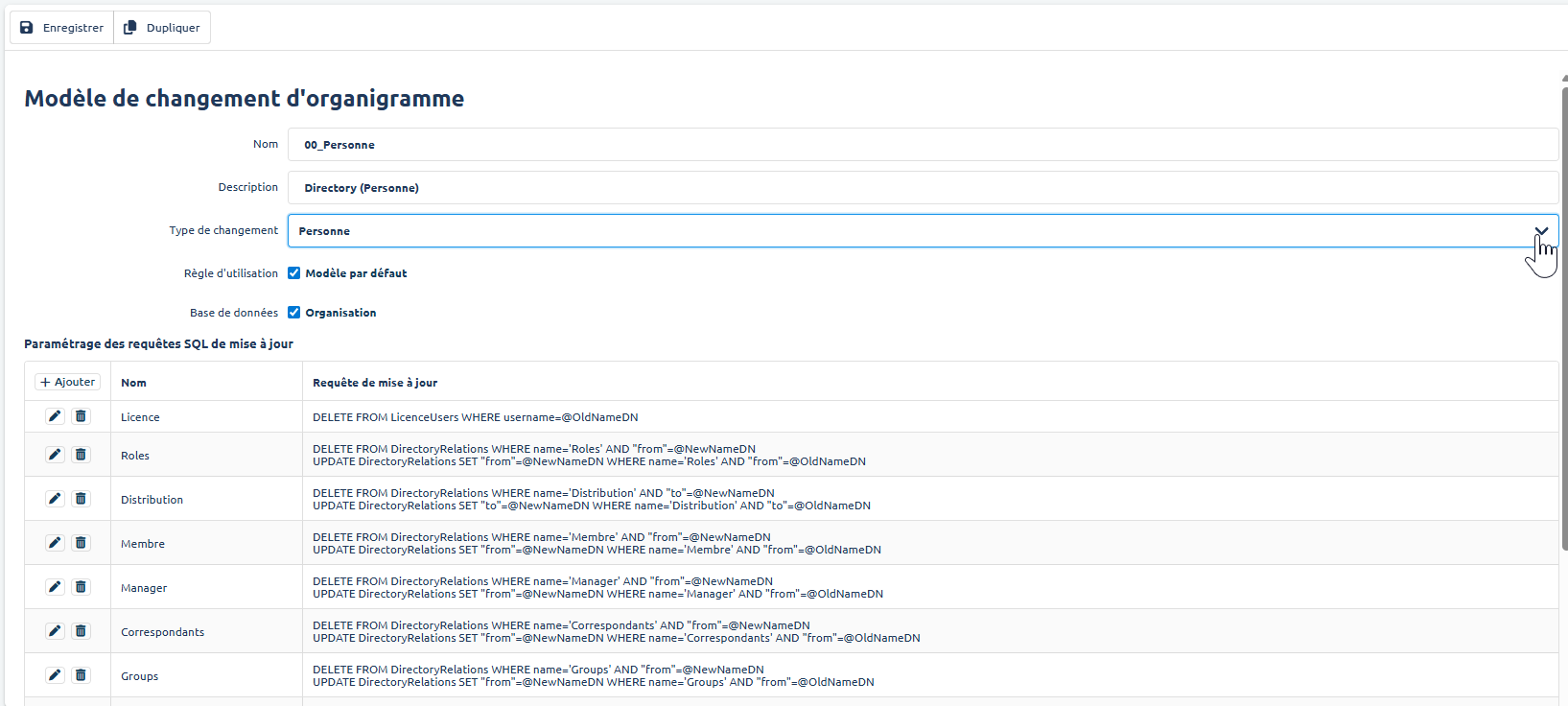
Un modèle peut être dupliqué afin d'en créer un nouveau.
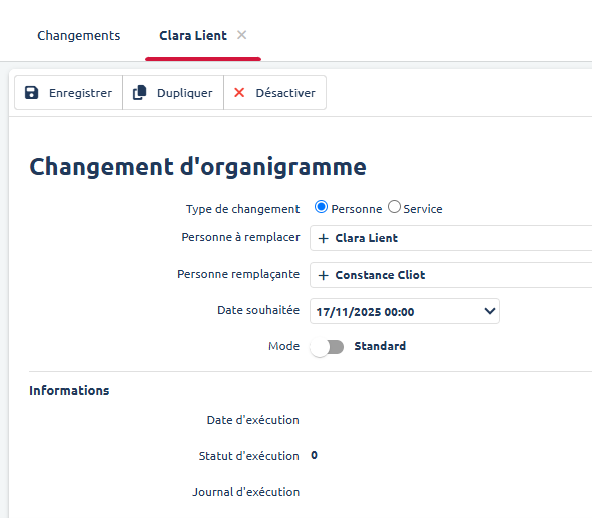
Changements
La vue Changement permet de voir les changements effectifs de votre organisation à partir des modèles de changement paramétrés, ainsi que les changements unitaires effectifs dans votre organisation.